Новичкам
Couldn't Download Level Fix
This guide will explain how to fix the 'Couldn't Download Level' glitch in Rust
Intro
Have you encountered the “Couldn't Download Level” error in Rust and aren't sure how to fix it? Don’t worry—this guide will walk you through step-by-step instructions to resolve the issue and get you back into the game quickly
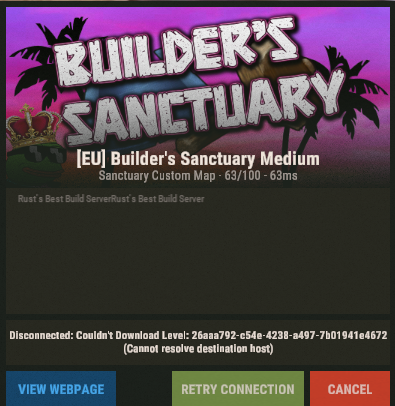
Step-by-Step Guide
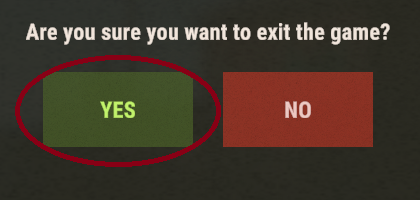
Step 1: Make sure Rust is completely closed. Then, open your Steam Library.
Step 2: Right-click on Rust in your Steam Library and select “Properties.
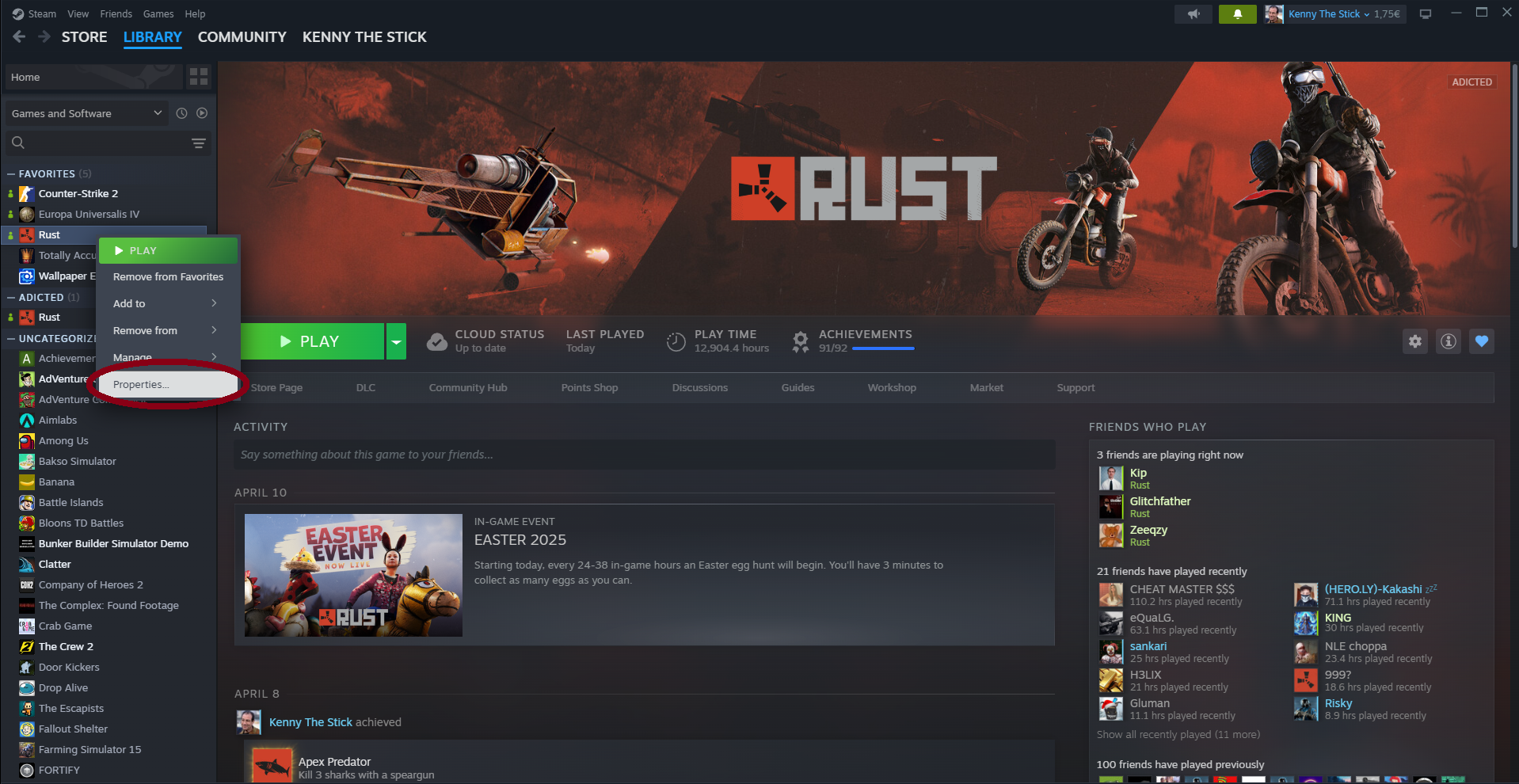
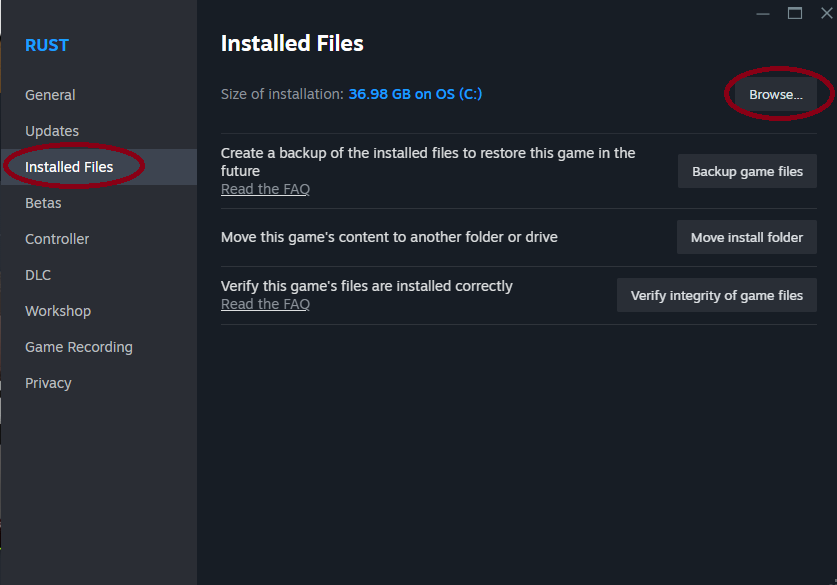
Step 3: Next, go to the "Installed Files" tab and click on "Browse
Step 4: In your files open the "maps" folder
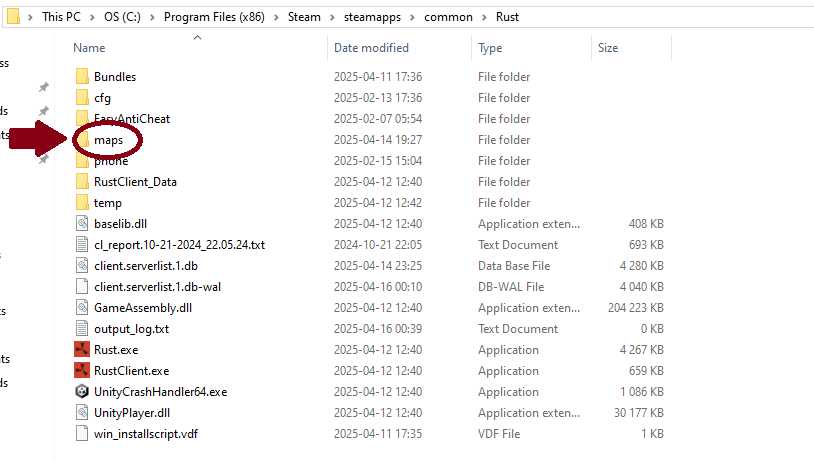
Step 4: In this folder, delete all the contents. Afterward, you should be able to load into the server again

Комментарии 0
Войди через Discord, чтобы комментировать